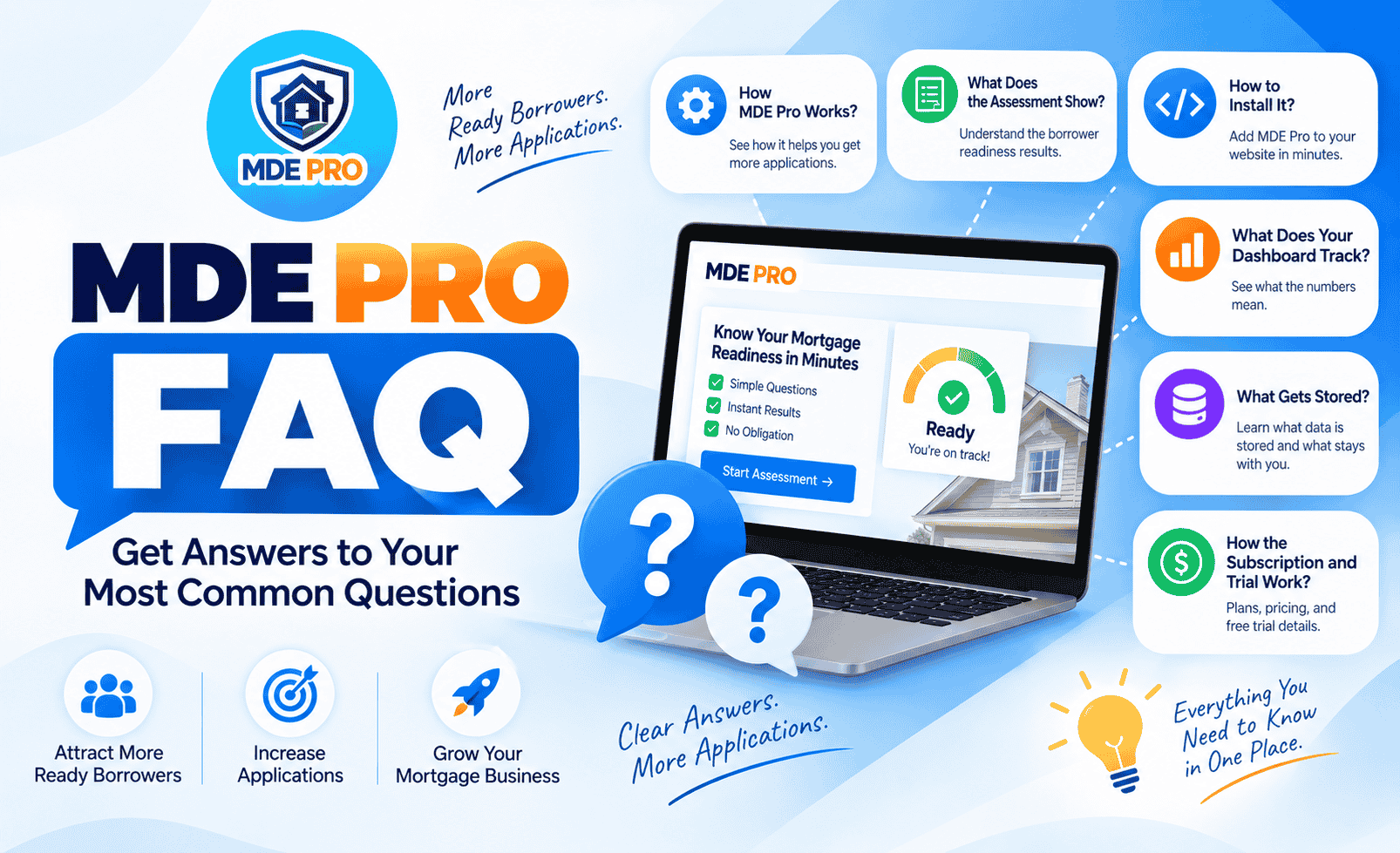
Answers to the questions brokers ask most often about MDE Pro, from how the assessment works to how to read your dashboard, what gets stored, and what happens to your subscription. If something is not covered here, email services@ournethelps.com and OurNetHelps will respond within 24 hours.
General
🏠 About MDE Pro
What is MDE Pro?
MDE Pro is a borrower readiness assessment that sits on your website. A visitor answers 8 questions, sees their Readiness Score and Approval Likelihood in about 20 seconds, and the ready ones move directly into your existing loan application. You subscribe monthly or annually and OurNetHelps handles updates automatically for as long as your subscription is active.
Who is MDE Pro for?
MDE Pro is built for US mortgage brokers who want to improve the quality of applications they receive. It works with common website platforms and custom-built broker websites. It routes borrowers into your existing application system, so it fits any workflow without replacing anything you already use.
How is MDE Pro different from a mortgage calculator?
A calculator gives a visitor a payment number. MDE Pro gives them a complete picture of their readiness: a Readiness Score, an educational Approval Likelihood estimate based on DTI, credit, down payment, and cash flow, their estimated monthly payment, their debt-to-income ratio, and the amount left after housing costs. A strong profile then gets a direct path into your application. A calculator has no conversion path and no qualification layer.
Does MDE Pro capture leads?
MDE Pro does not store borrower names, emails, or contact details. Every calculation runs in the borrower’s browser. What it does is qualify borrowers before they reach your application, so the applications you receive come from people who have already seen their numbers and decided to continue. The lead is captured inside your own application system, not by MDE Pro.
What application systems does MDE Pro work with?
Any URL. Floify, Arive, LendingPad, Loanzify, PreApp 1003, Encompass, Blend, or your own custom form. You provide the URL when you sign up and OurNetHelps builds it into your embed code. The Apply button sends borrowers there directly.
What website platforms does MDE Pro work on?
Any platform that allows custom HTML and JavaScript to run on the page. WordPress, Wix, Squarespace, Webflow, Blogger, Shopify, GoDaddy, and custom-built sites all work. Full instructions are in the WordPress guide, the platform-specific guide, and the 60-second install guide.
The Assessment
📋 How the tool works for borrowers
What questions does MDE Pro ask?
The assessment covers 8 questions across two sections. The Home: loan type (Conventional, FHA, VA, USDA, or Jumbo), home price, down payment, interest rate, and loan length. Your Finances: household income, monthly debts, and credit score range. No credit pull, no signup, and no commitment is required to see the result.
What does a borrower see on the results screen?
The results screen shows a Readiness Score from 0 to 100, an educational Approval Likelihood estimate with four individual factor bars (DTI, credit, down payment, and cash flow), a Buyer Profile label, their estimated monthly payment, their debt-to-income ratio, and the amount left after housing costs. Specific callouts identify what is working and what needs attention, and a Your Biggest Opportunity line shows the single change that would most improve their DTI. A strong profile then sees your name, a summary of their four key numbers, and a Continue to Secure Mortgage Application button into your system.
What happens when a borrower does not score well?
A profile that needs work does not receive the Continue to Application button. Instead the borrower sees a softer prompt to talk with you directly. This is by design. The tool filters for applicants who are ready, and routes those who are not ready toward a conversation with you instead of an incomplete application.
How long does the assessment take?
About 20 seconds. The entry screen states no credit pull, no commitment, and no signup required.
Does the assessment show the broker’s name and NMLS?
Yes. Your photo, name, phone, and NMLS are visible in the header from the very first question, not just the results screen. The broker’s branding is visible throughout the assessment, so the experience stays connected to your brand.
Is the scoring compliant with US mortgage guidelines?
The scoring uses standard Fannie Mae and Freddie Mac front-end and back-end DTI guidelines. MDE Pro is clearly labeled an educational readiness assessment, not a lending decision, pre-qualification, or pre-approval. The full disclaimer appears on every result screen. It is built to inform borrowers, not to replace your professional judgment.
Setup and Installation
🔌 Getting MDE Pro live on your site
How do I get started?
Start your 30-day free trial on the MDE Pro page. Send your details and OurNetHelps will reply within 24 hours to confirm your application URL, NMLS, and branding. Your plugin file and embed code are sent within 48 hours and OurNetHelps handles the full configuration before anything reaches your site.
Do I need a developer to install MDE Pro?
No. The fastest method works on any platform: paste both your container div and script tag together into one HTML block on your page. That is the entire install on most sites. No coding, no FTP, and no developer access is required. On WordPress, a plugin is also available that handles the setup from your admin dashboard. On Squarespace (Core plan or above) and Webflow (active Site plan required), you can also place the script tag in your site footer and add only the container div to each page. Full steps for every platform are in the 60-second install guide.
How long does setup take?
OurNetHelps configures your tool and sends your files within 48 hours of receiving your details. Once you have your embed code, installation takes about 60 seconds on most platforms using the two-piece paste method. OurNetHelps will walk you through it if anything is unclear.
Can I place MDE Pro on more than one page?
Yes. Paste the same embed code into an HTML block on each page where you want the tool to appear. The div goes first, the script tag immediately after, both in the same block. On Squarespace and Webflow you can also add the script once in your site footer and place only the container div on each additional page. There is no extra charge for multiple pages.
Will MDE Pro slow down my site?
MDE Pro is designed to load asynchronously, so it should have minimal impact on page rendering. It only renders on pages where you have placed the container div. On pages without it, the script checks for the div and does not render the tool. The embed does not require third-party libraries or plugins.
How do updates work?
Updates deploy automatically from OurNetHelps servers. Every improvement, fix, or new feature reaches your site the moment a visitor loads the page. You never need to reinstall the plugin, update a file, or change your embed code unless your application URL, NMLS, or branding details change.
Your Embed Code
🔑 Your script tag and broker key
What is in my embed code?
Your embed code is a script tag containing your unique broker key, your name, phone, NMLS, application URL, email, and photo URL. OurNetHelps builds this for you when your account is configured. Every broker’s embed code is different.
What is a broker key?
Your broker key is a unique identifier that connects MDE Pro to your account and configuration. Every broker receives a different key. Do not share your embed code with other brokers, as the key is what identifies your subscription.
My phone number or application URL has changed. How do I update MDE Pro?
Email services@ournethelps.com with your updated details. OurNetHelps will send you a new embed code. On WordPress, go to Settings, MDE Pro, paste the updated code, and click Save and Activate. On other platforms, replace the script tag wherever you placed it with the updated one. Changes take effect immediately after saving.
Can I install my embed code on more than one site?
Each MDE Pro subscription covers one broker website. Your embed code and broker key are tied to a single site. If you need MDE Pro on a second site, contact services@ournethelps.com to discuss your options.
Your Dashboard
📊 Tracking and analytics
What does my dashboard show?
Six metrics: five event counts and one calculated rate. Tool Loaded (browser sessions in which MDE Pro loaded), Started (sessions in which a borrower began answering), Completed (sessions in which a borrower answered all 8 questions), Results Shown (sessions that reached the results screen), Applied (sessions that clicked Continue to Secure Mortgage Application), and Conversion % (Applied divided by Tool Loaded). The dashboard also shows one of four smart tips based on your current numbers.
How do I access my dashboard?
OurNetHelps sends your private dashboard URL when your account is configured. No login is required. Open the URL in any browser on any device and your stats appear immediately. Bookmark it so you can check it quickly.
Can anyone else see my dashboard?
Your dashboard uses a private URL unique to your account. It is not indexed by search engines, so it will not normally appear in search results. Anyone who has the URL can access the dashboard, so keep it private and share it only with people you want to have access to your numbers.
What is a good conversion rate?
Your conversion rate is Applied divided by Tool Loaded. As a practical benchmark, 10% or above can indicate strong performance. Between 5% and 9.9% means the tool is working with room to grow, usually through better placement or higher-intent traffic. Below 5% is worth investigating, starting with whether your application URL is correct and where on the page the tool is placed.
How long is my data kept?
Events are automatically deleted after 12 months. A daily cleanup runs without any action needed from you. Your dashboard shows all events currently retained within that 12-month window. There is no date filter and no way to view daily breakdowns.
Does the dashboard store borrower information?
No. The dashboard tracks event counts only: Tool Loaded, Started, Completed, Results Shown, and Applied. No borrower name, email, phone number, or assessment answers are stored on OurNetHelps servers. All calculations run in the borrower’s browser and are never transmitted.
Pricing and Subscription
💳 Trial, pricing, and cancellation
How does the free trial work?
Your first 30 days are free. No card is required to start. OurNetHelps configures your tool first and invoices only after your trial ends. If you cancel during the trial you pay nothing.
What does MDE Pro cost after the trial?
$29 per month billed annually ($348 per year), or $39 per month billed monthly. No setup fee. No long-term contract. One broker, one site, everything included.
How do I cancel?
Email services@ournethelps.com and OurNetHelps will process your cancellation. You do not need to touch your website or remove any code. The tool stops appearing for new visitors automatically once your subscription is deactivated.
What happens to the tool when I cancel?
The tool stops working for new browser sessions immediately when your subscription is deactivated. Visitors already mid-session at the moment of cancellation may complete their current session. You do not need to remove the plugin or the container div from your site, though you can if you prefer.
Privacy and Compliance
🔒 Data, security, and compliance
Does MDE Pro store any borrower data?
No. Every calculation in MDE Pro runs entirely in the borrower’s browser. Nothing the borrower enters is transmitted to OurNetHelps servers. The dashboard tracks only anonymous event counts. No borrower name, contact detail, income figure, debt amount, or credit score is ever stored.
Do I need to give OurNetHelps access to my website?
No. OurNetHelps never needs your login credentials. Installation is done by you using your own admin access. The embed code and plugin file are sent to you and you place them on your site. Canceling simply means the tool stops working. You do not need to remove anything.
Does MDE Pro use standard mortgage DTI guidelines?
MDE Pro’s scoring uses front-end and back-end DTI thresholds based on standard Fannie Mae and Freddie Mac guidelines. MDE Pro is an educational readiness assessment, not a lending decision, pre-qualification, or pre-approval. The full disclaimer appears on every result screen. If you have specific compliance requirements, review the tool with your compliance team before deployment.
Can my compliance team review the tool before I subscribe?
Yes. The full tool is live at ournethelps.com/mde-pro-demo. Because every calculation runs in the browser, your compliance team can inspect the JavaScript delivered to the browser using standard browser developer tools before you make a decision.
Question not answered here?
Email services@ournethelps.com and OurNetHelps will respond within 24 hours.
Ready to Try MDE Pro?
Start your 30-day free trial. OurNetHelps configures your tool and sends your embed code within 48 hours.
Start My Free TrialNo card required. Setup within 48 hours. Cancel anytime.